Guide · updated 5 November 2026
HubSpot invoices not syncing to Xero: find which ones
The sync works most of the time, so the invoices it skips are easy to miss. HubSpot shows the failure on the invoice record only, and you cannot build a workflow or alert on it. The reliable way to know is to compare both sides for the period.
Run the free check See a sample report
Free for up to 150 HubSpot invoices per run, no sign-up. Files are read in your browser and never uploaded.
Why you are not told
A HubSpot user asked in June 2026 how to trigger an email or task when the "Create a Xero invoice" sync fails; the answer in the thread is that the "Failed to sync" message is not available as a workflow property, so it cannot drive an alert (HubSpot Community, June 2026). Opening invoices one by one does not scale past a few dozen a month.
Find every invoice that did not sync
- Pick the period, for example last month.
- Either connect HubSpot and Xero read only on the check page, or export invoices from HubSpot (Commerce, Invoices, Export) and from Xero (Business, Invoices, Export).
- Run the check. Every HubSpot invoice without a twin in Xero is listed as Missing in accounting, sorted by amount, next to any invoice that synced with a different total, currency, customer or status.
What a check finds: a real run
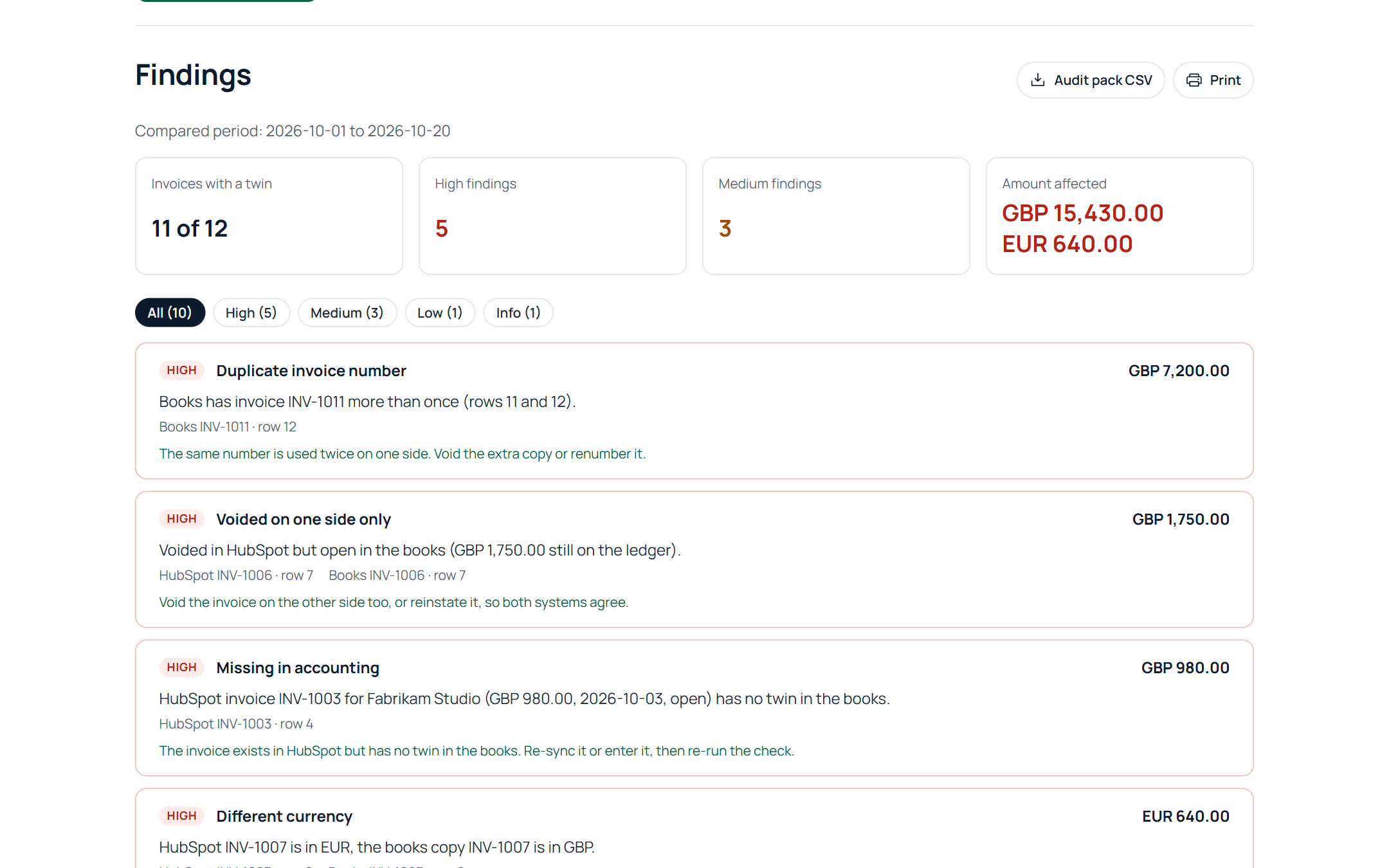
We ran Billtwin against a HubSpot account and a Xero organisation, both connected read only, on 5 November 2026. HubSpot had three invoices for the day; Xero had 35 invoices in the period. The result:
- 2 of 3 HubSpot invoices had a twin in Xero.
- Missing in accounting, USD 2,400.00: INV-1003 existed in HubSpot and never reached Xero.
- Different invoice total, USD 50.00: INV-1002 was USD 850.00 in HubSpot and USD 800.00 in Xero.
- Paid in the books, still open in HubSpot, USD 1,200.00: after a payment was recorded in Xero, INV-1001 still showed the full amount due in HubSpot.
None of the three raised an alert in HubSpot or Xero. One run listed all of them with the amount, the row on both sides and the fix.
After you fix them
Re-sync or enter the missing invoices, correct the wrong copies, and run the check again until only expected differences remain. Related: invoices that synced but do not match.
Run the free check See a sample report
Free for up to 150 HubSpot invoices per run, no sign-up. Files are read in your browser and never uploaded.