Guide · updated 5 November 2026
HubSpot to QuickBooks sync missing invoices: list them all
An invoice that never reached QuickBooks Online is revenue that is not in your books. When a sync skips an invoice, you usually find out at month end or when a customer pays something you cannot find. A side-by-side check finds it the same day.
Run the free check See a sample report
Free for up to 150 HubSpot invoices per run, no sign-up. Files are read in your browser and never uploaded.
Where the gaps come from
- The sync failed for one invoice and nobody opened that invoice record.
- The invoice was created in HubSpot while the connection was paused or being reconnected.
- The customer mapped to another QuickBooks customer, so the invoice exists but under the wrong name.
- The invoice was edited in HubSpot after it synced, so the totals no longer agree.
Check one month in two minutes
- Export invoices from HubSpot (Commerce, Invoices, Export) for the month.
- In QuickBooks Online, run the Invoice List report for the same dates and export it to Excel or CSV. The report title rows are skipped automatically.
- Drop both files into the check. Files are read in your browser and never uploaded.
You get every HubSpot invoice that is Missing in accounting, every invoice Booked to a different customer, numbers used twice, and differences in total, currency, voided state and payment status.
What a check finds: a real run
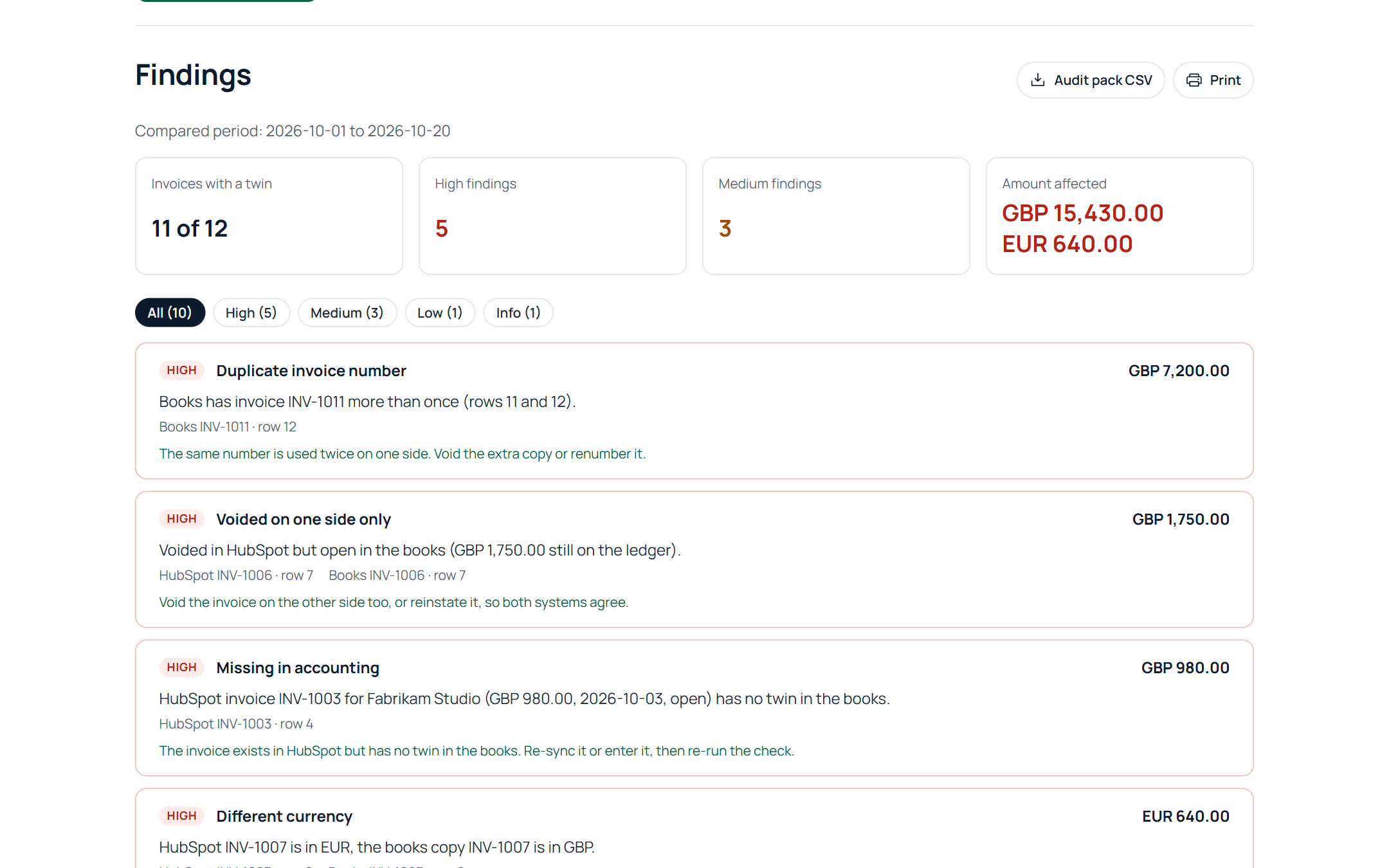
We ran Billtwin against a HubSpot account and a Xero organisation (the same checks run on QuickBooks Online exports), both connected read only, on 5 November 2026. HubSpot had three invoices for the day; Xero had 35 invoices in the period. The result:
- 2 of 3 HubSpot invoices had a twin in Xero.
- Missing in accounting, USD 2,400.00: INV-1003 existed in HubSpot and never reached Xero.
- Different invoice total, USD 50.00: INV-1002 was USD 850.00 in HubSpot and USD 800.00 in Xero.
- Paid in the books, still open in HubSpot, USD 1,200.00: after a payment was recorded in Xero, INV-1001 still showed the full amount due in HubSpot.
None of the three raised an alert in HubSpot or Xero. One run listed all of them with the amount, the row on both sides and the fix.
Related: HubSpot to QuickBooks Online invoice check.
Run the free check See a sample report
Free for up to 150 HubSpot invoices per run, no sign-up. Files are read in your browser and never uploaded.